



How to Set Up IPTV on Smart Android TV (Step-by-Step Guide)
Follow this simple step-by-step tutorial to set up IPTV Smarters Pro on your Smart Android TV. In just a few minutes, you’ll be ready to stream live TV, movies, and series effortlessly.
Step 1: Download & Install the App
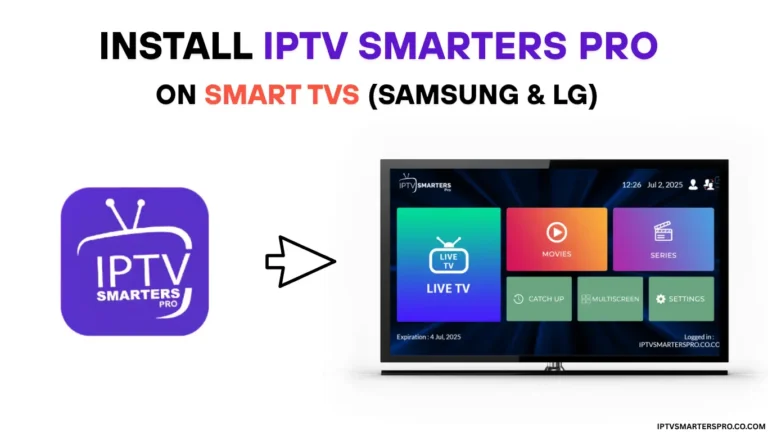
Description: Go to the Google Play Store on your Android TV and search for “IPTV Smarters Pro.” Select the app and click Install. Once the download completes, open the app from your home screen.
What to do: Home → Apps → Google Play Store → Search “IPTV Smarters Pro” → Install → Open.
Step 2: Launch & Accept Terms
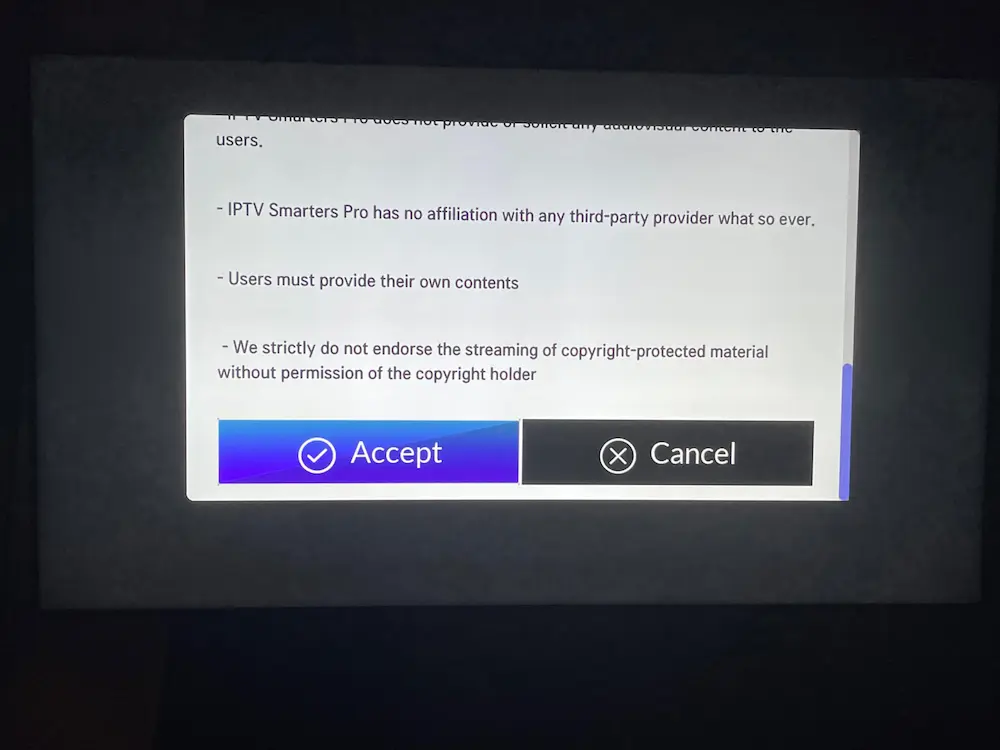
Description: When you open the app for the first time, you’ll see a welcome or license agreement screen. Read and accept the terms to continue to the setup dashboard.
What to do: Open app → Click Accept → Wait for main screen.
Step 3: Add Your IPTV Service Credentials
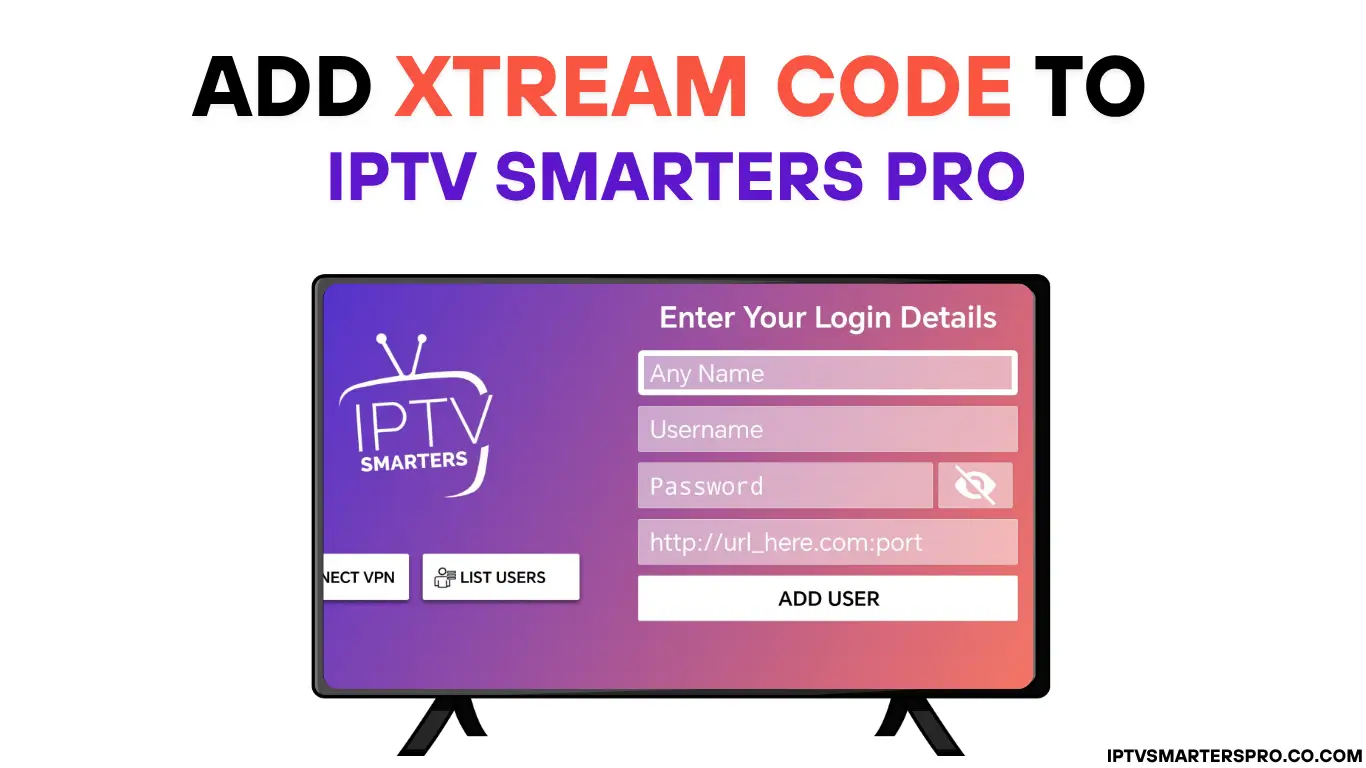
Description: Choose a login method:
- Xtream Codes API – Enter name, username, password, and server URL (recommended).
- M3U Playlist URL – Paste your playlist link provided by your IPTV provider.
What to do: Choose a method → Enter details → Click Add User or Login.
Step 4: Wait for Channels & EPG to Load
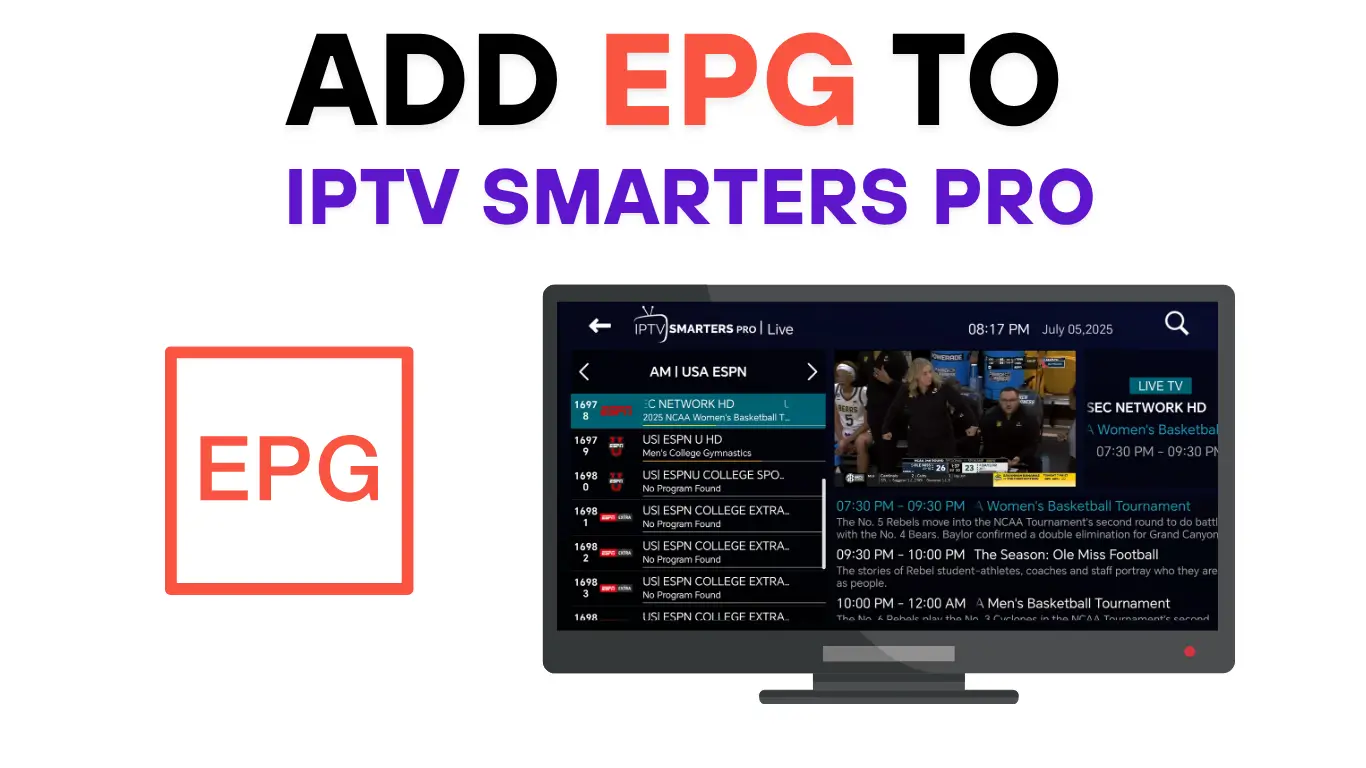
Description: Once logged in, the app will automatically load your channel list, movies, and electronic program guide (EPG). This might take a few minutes depending on your internet connection and playlist size.
What to do: Wait until loading completes → Check Live TV, Movies, and Series sections.
Step 5: Start Streaming!
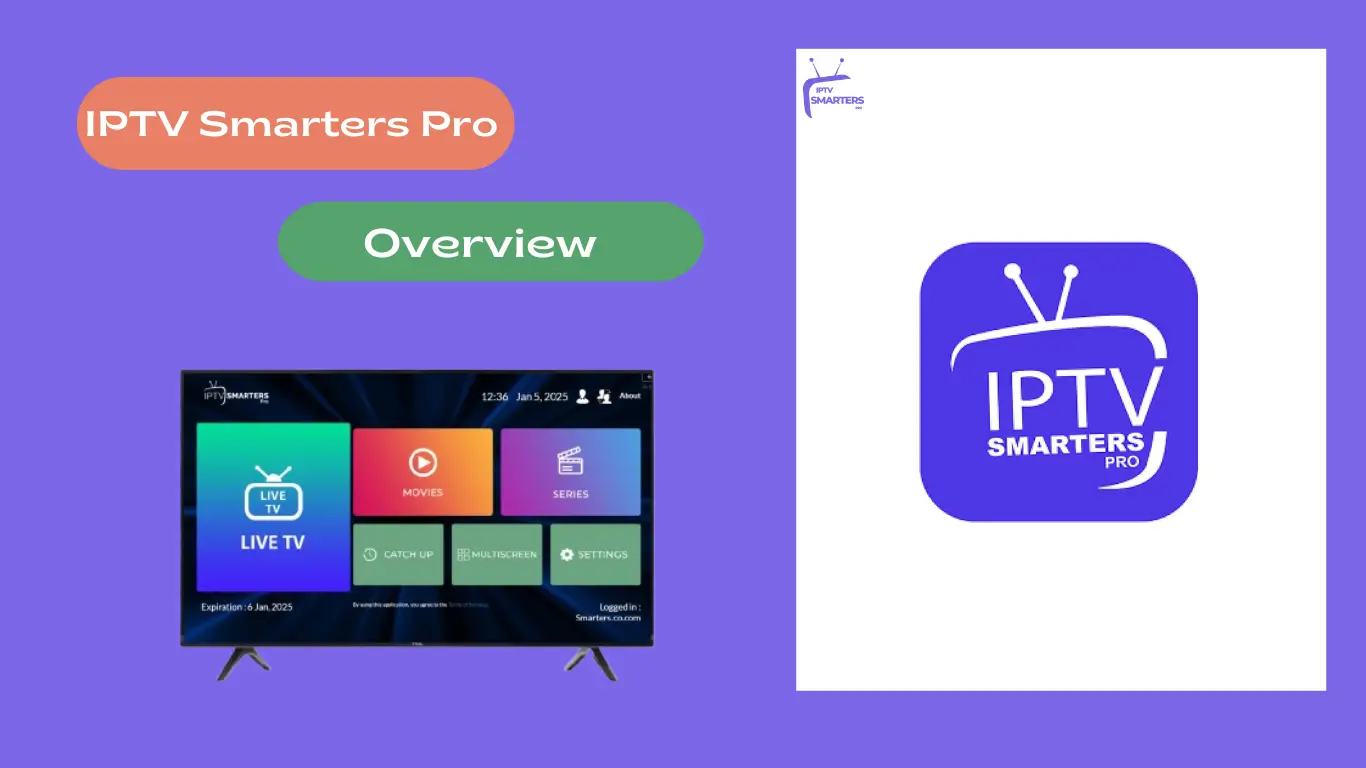
Description: You’re all set! Explore the app’s Live TV, Movies, Series, and Catch-up sections. You can also add favourites or create multiple profiles.
What to do: Open Live TV → Choose a channel → Press play → Enjoy streaming!
💡 Pro Tips for Smart Android TV Users
- Use a stable high-speed internet connection (minimum 20 Mbps for HD, 25+ Mbps for 4K).
- If the app isn’t available on your TV’s store, download the APK from the official IPTV Smarters Pro site.
- Enable “Unknown Sources” in TV settings only if sideloading APK files.
- Close unused apps to improve streaming performance.
- Remember: IPTV Smarters Pro is a player — you need a valid IPTV subscription.
Leave a Reply