



How to Set Up IPTV on Apple TV and iOS Devices (iPhone & iPad)
Follow this simple, step-by-step tutorial to install and configure IPTV Smarters Pro on your Apple TV, iPhone, or iPad. In just a few minutes, you’ll be streaming your favorite live TV, movies, and series with ease.
Step 1: Download & Install the App
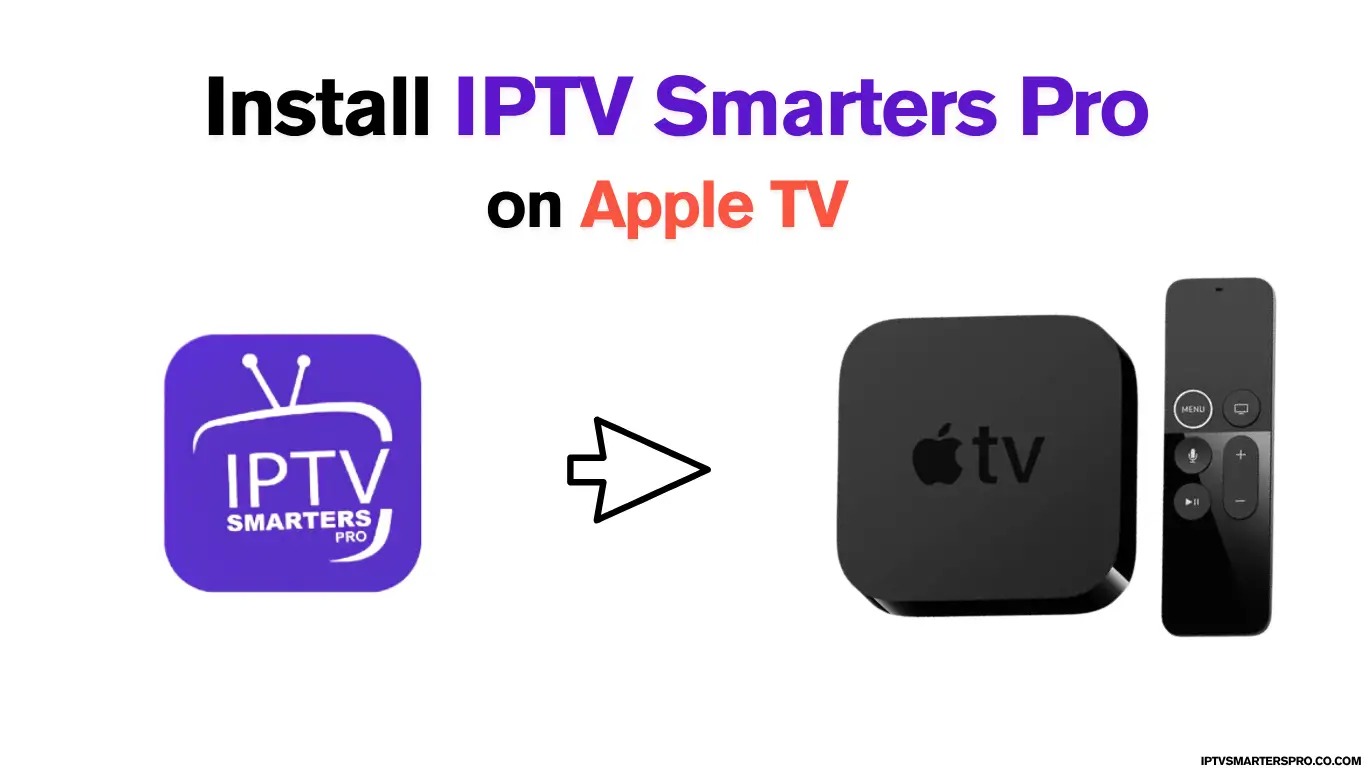
Description: Go to the App Store on your iPhone, iPad, or Apple TV. Search for “IPTV Smarters Pro” or “Smarters Player Lite” and install the app.
What to do:
- On iPhone/iPad: Open App Store → Search “IPTV Smarters Pro” → Tap Get.
- On Apple TV: Open App Store → Search → Install the app.
Step 2: Launch & Accept Terms
Description: When you open IPTV Smarters Pro for the first time, a license agreement will appear. Read and accept the terms to continue to the main dashboard.
What to do: Open app → Tap Accept → Proceed to the main screen.
Step 3: Add Your IPTV Service Credentials

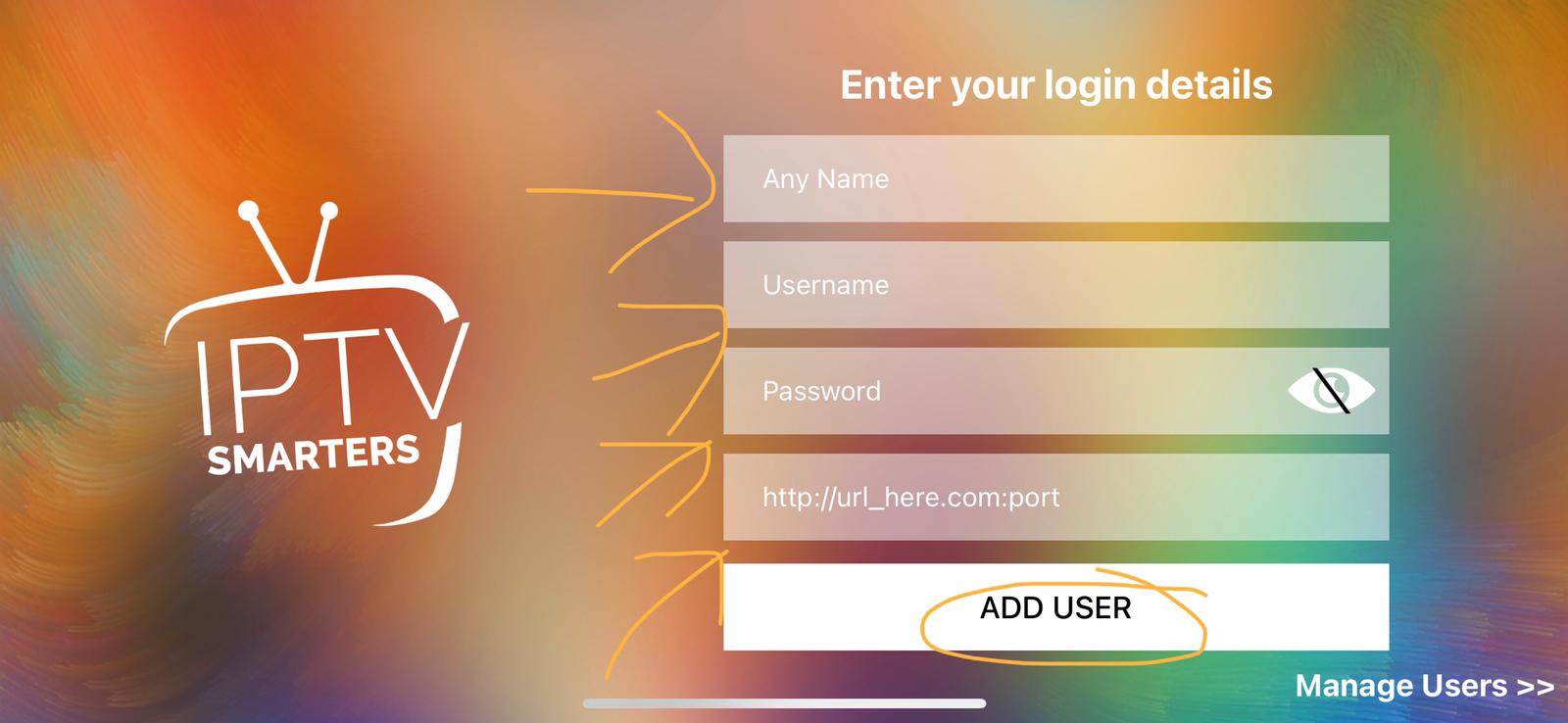
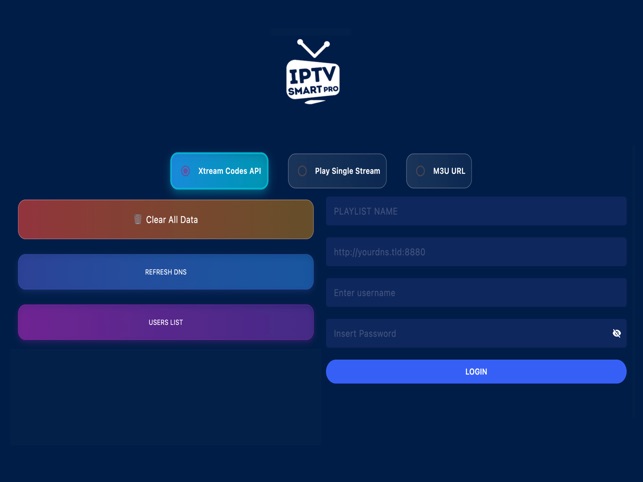
Description: Enter your IPTV account details using one of these methods:
- Xtream Codes API (Recommended): Enter the server URL, username, and password.
- M3U Playlist URL: Paste your playlist link provided by your IPTV provider.
What to do: Tap Add User → Enter credentials → Tap Login.
Step 4: Wait for Channels & EPG to Load
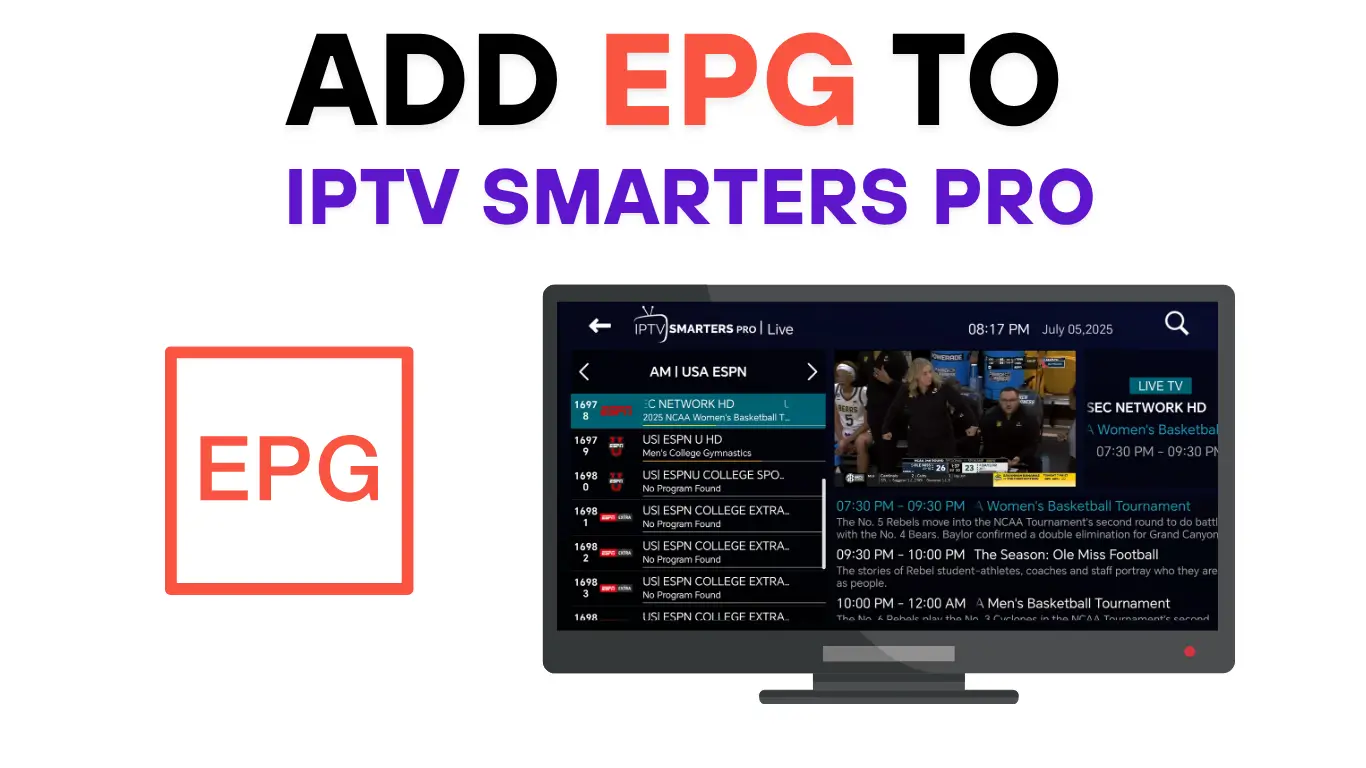
Description: Once logged in, IPTV Smarters Pro will automatically load your channels, movies, and the electronic program guide (EPG). This may take a minute or two.
What to do: Wait until channels load → Check Live TV, Movies, or Series tabs.
Step 5: Start Watching!
Description: That’s it! You can now browse and watch live channels, movies, and series. IPTV Smarters Pro offers features like favorites, parental control, and catch-up if your provider supports them.
What to do:
- On iPhone/iPad: Tap Live TV → Choose a channel → Watch.
- On Apple TV: Use the remote to navigate and press Select to play.
💡 Pro Tips for Apple Devices & Apple TV
- Use a strong Wi-Fi or Ethernet connection for smooth streaming.
- If the app doesn’t appear in your App Store, search “Smarters Player Lite.”
- Always use correct IPTV login details provided by your IPTV service.
- Restart the app if channels or EPG fail to load.
- Remember: IPTV Smarters Pro is a player — you still need an IPTV subscription.
Leave a Reply