




How to Setup IPTV on Android Box
Learn how to install and set up IPTV Smarters Pro on your Android Box with this step-by-step tutorial. Follow these easy instructions to stream your favorite live TV, movies, and shows effortlessly.
Step 1: Install IPTV Smarters Pro
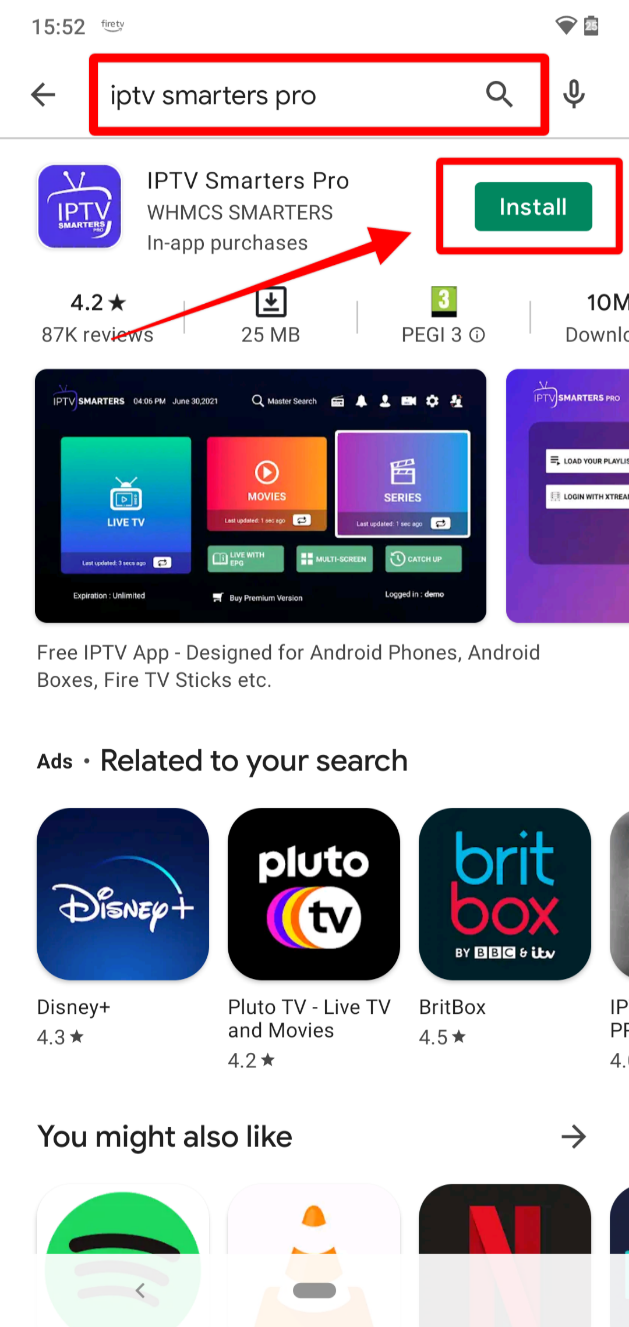
You can install IPTV Smarters Pro directly from the Google Play Store or sideload it if it’s not available on your device.
- Open the Google Play Store on your Android Box.
- Search for “IPTV Smarters Pro” and click Install.
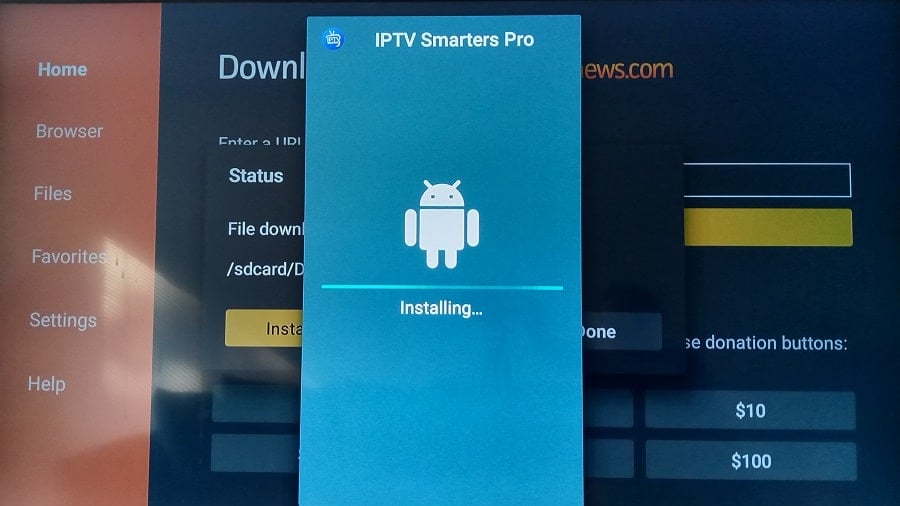
- If not found, download the APK from a trusted site and sideload it using a USB drive or Downloader app.
- To sideload, enable Unknown Sources in Settings before installing manually.
Step 2: Launch IPTV Smarters Pro

Once the installation is complete, open the app and agree to the terms of use to proceed.
- Go to the Apps section on your Android Box.
- Find and open IPTV Smarters Pro.
- Accept the license agreement or terms when prompted.
Step 3: Add Your IPTV Subscription
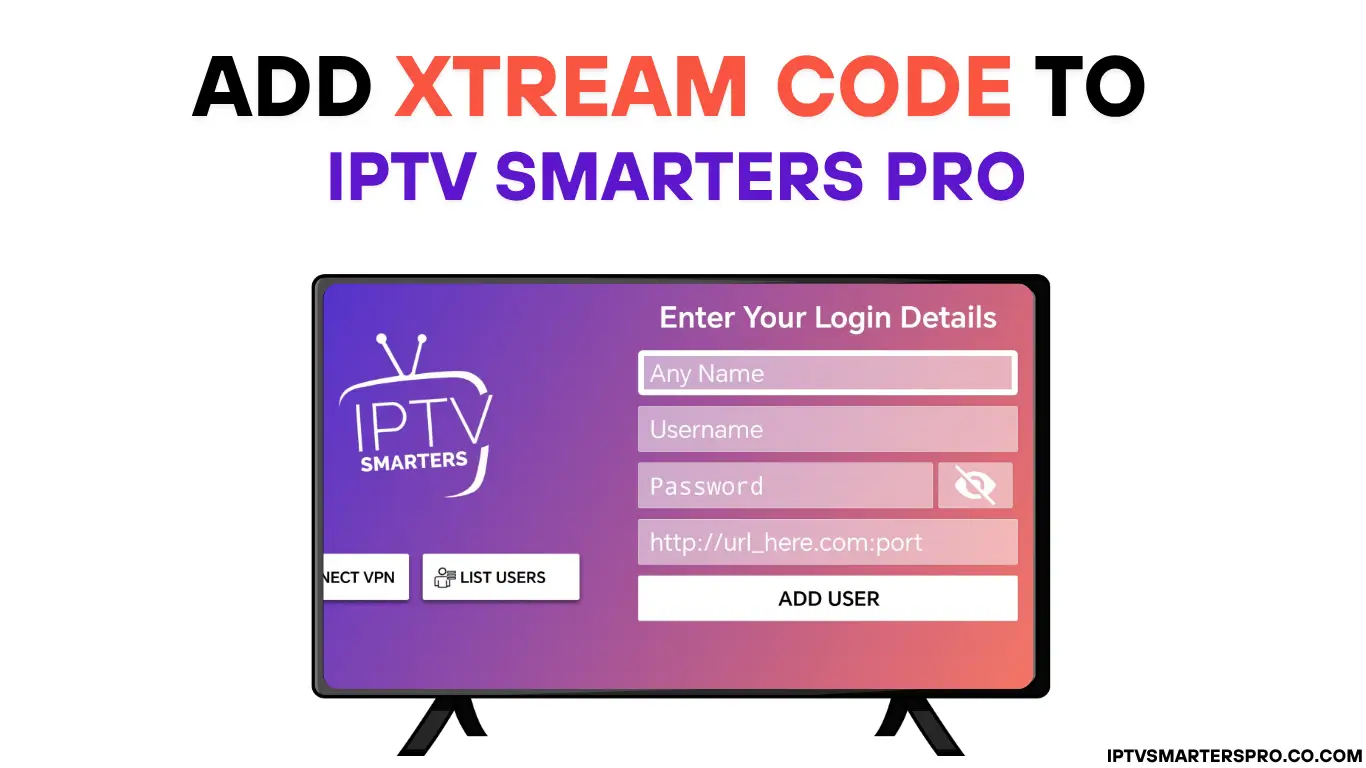
To start streaming, you’ll need to log in with your IPTV subscription details. You can use either Xtream Codes API or an M3U playlist URL.
- Select Add User on the app’s main screen.
- Choose your preferred method:
- Xtream Codes API – Enter server URL, username, and password.
- M3U URL – Paste your playlist link provided by your IPTV provider.
- Click Login or Add User and wait for your channels to load.
Step 4: Wait for Channels & EPG to Load
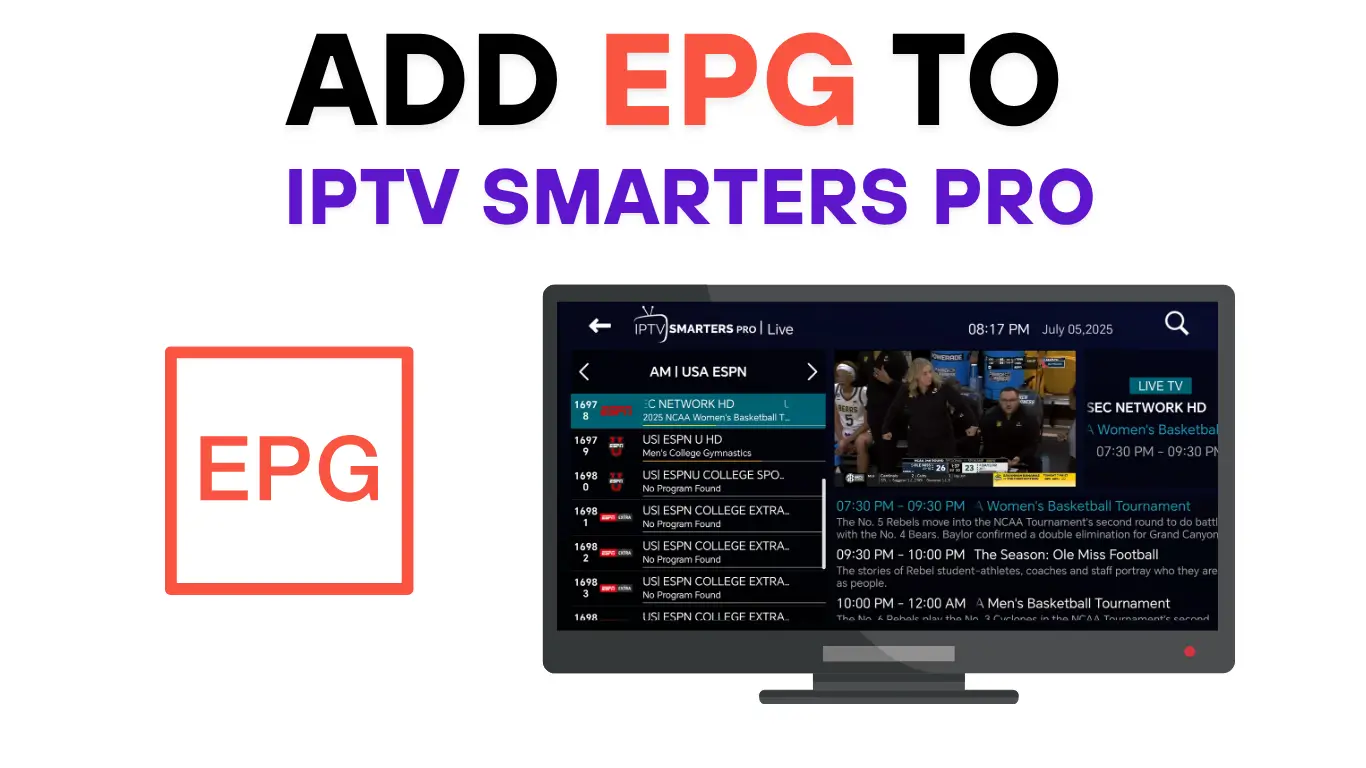
Once you’ve logged in, IPTV Smarters Pro will automatically sync your channels, movies, and EPG (TV Guide).
- Wait a few seconds for all content to appear.
- Browse categories like Live TV, Movies, or Series.
- If content doesn’t load, double-check your login details or internet connection.
Step 5: Start Watching!
You’re all set! Enjoy live channels, on-demand movies, and series directly from your Android Box.
- Open Live TV to browse channels.
- Select your favorite shows under Movies or Series.
- Use your remote to navigate easily between categories.
💡 Pro Tips
- Use a stable internet connection (20 Mbps+ for HD, 25 Mbps+ for 4K).
- If the app freezes, clear its cache or switch video decoder (HW/SW) in settings.
- Always use IPTV services from legitimate, paid providers.
- Keep your app updated for the best performance and new features.
That’s it! You’ve successfully installed and configured IPTV Smarters Pro on your Android Box. Enjoy unlimited streaming and entertainment.
Leave a Reply