




Set Up IPTV on Windows PC
Learn how to install and configure IPTV Smarters Pro on your Windows PC or laptop for smooth streaming. Follow these simple steps to start watching live TV, movies, and series in minutes!
Step 1: Download & Install the App
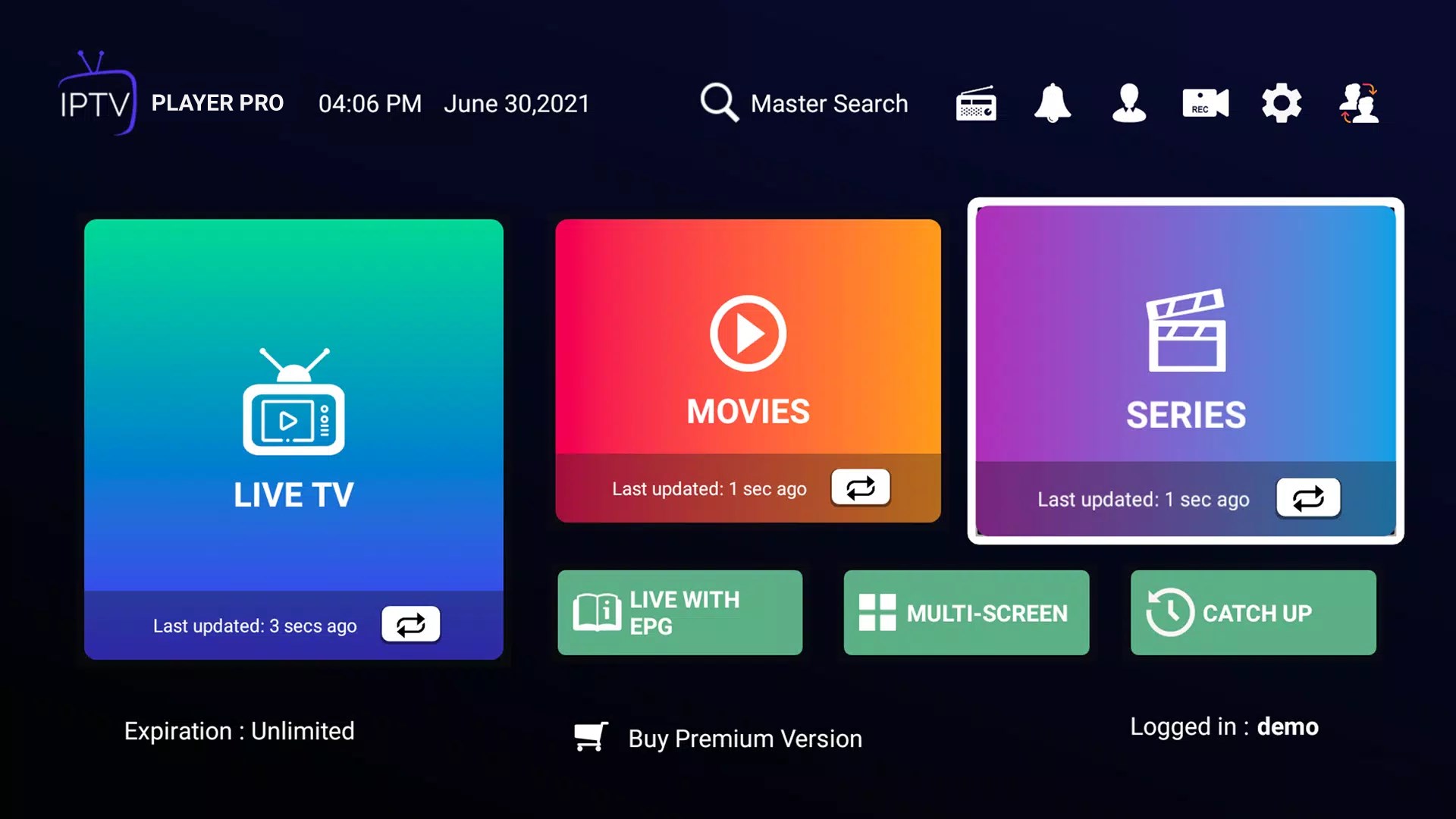
Description: Visit the official IPTV Smarters Pro website or the Microsoft Store to download the Windows version. Once the installer (.exe) is downloaded, double-click it and follow the setup wizard to complete installation.
What to do: Download → Run installer → Accept terms → Finish setup → Launch app.
Step 2: Launch & Accept Terms
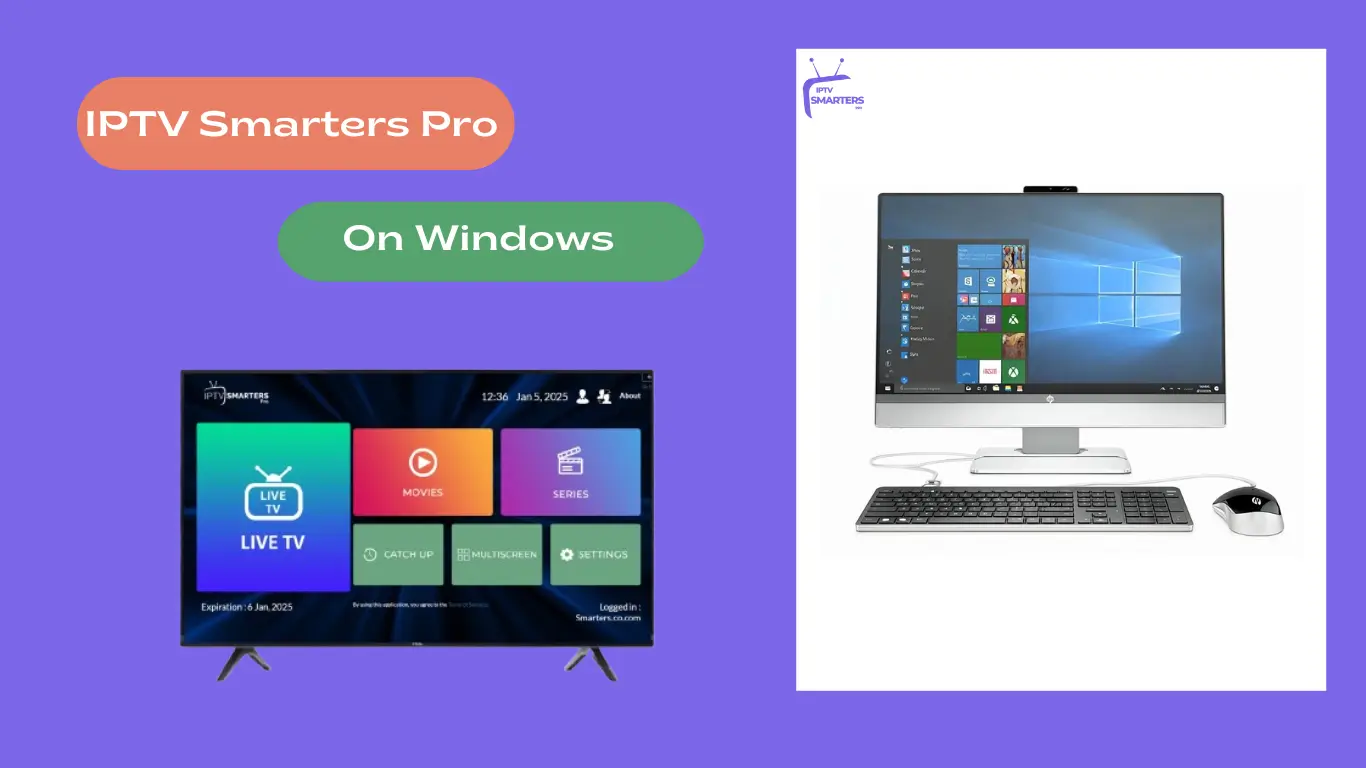
Description: Open the IPTV Smarters Pro app for the first time. You’ll see a welcome or Terms of Use screen. Click “Accept” or “Continue” to proceed.
What to do: Confirm terms and wait for the dashboard to load.
Step 3: Add Your IPTV Service Credentials
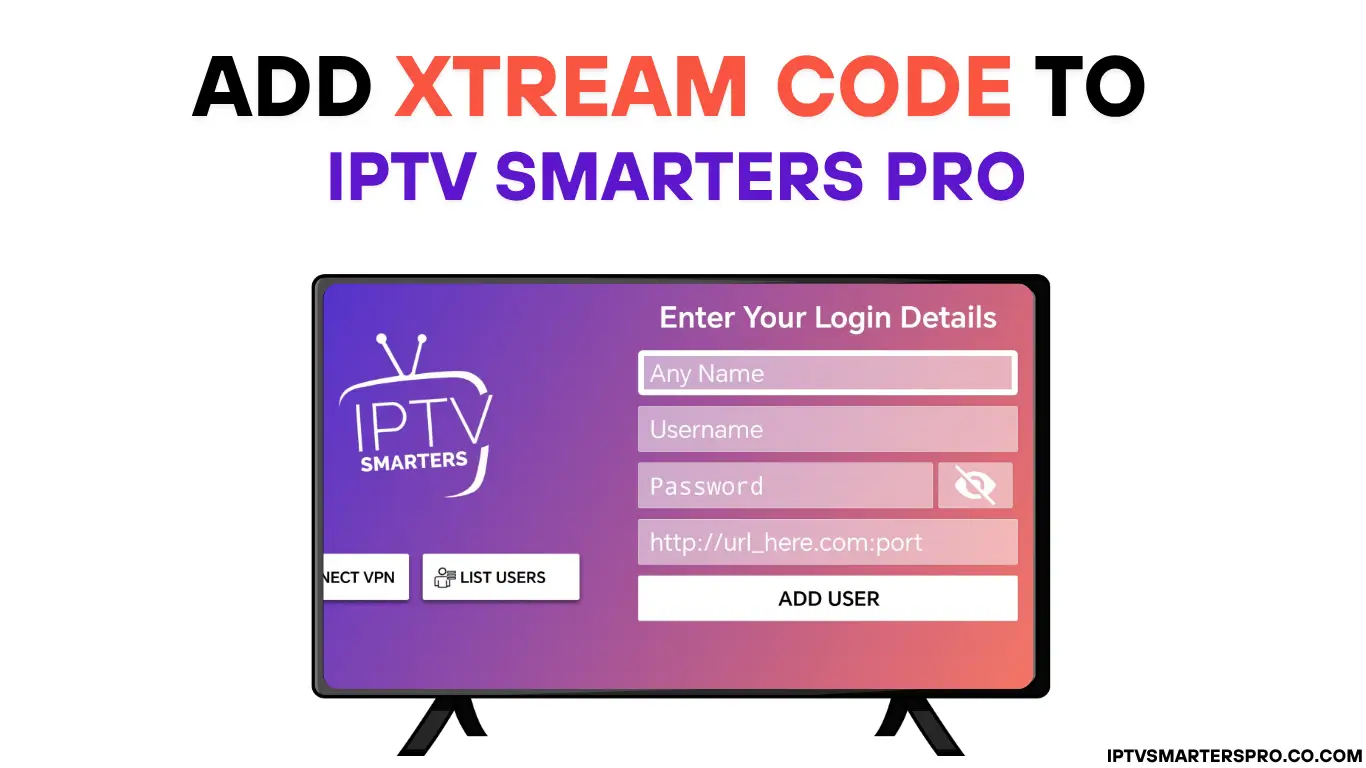
Description: There are two main ways to log in:
- Xtream Codes API – Enter the name, username, password, and server URL from your provider.
- M3U Playlist URL – Paste your playlist link provided by your IPTV provider.
What to do: Click “Add User” → Choose method → Enter details → Click “Login” or “Add”.
Step 4: Wait for Channels & EPG to Load
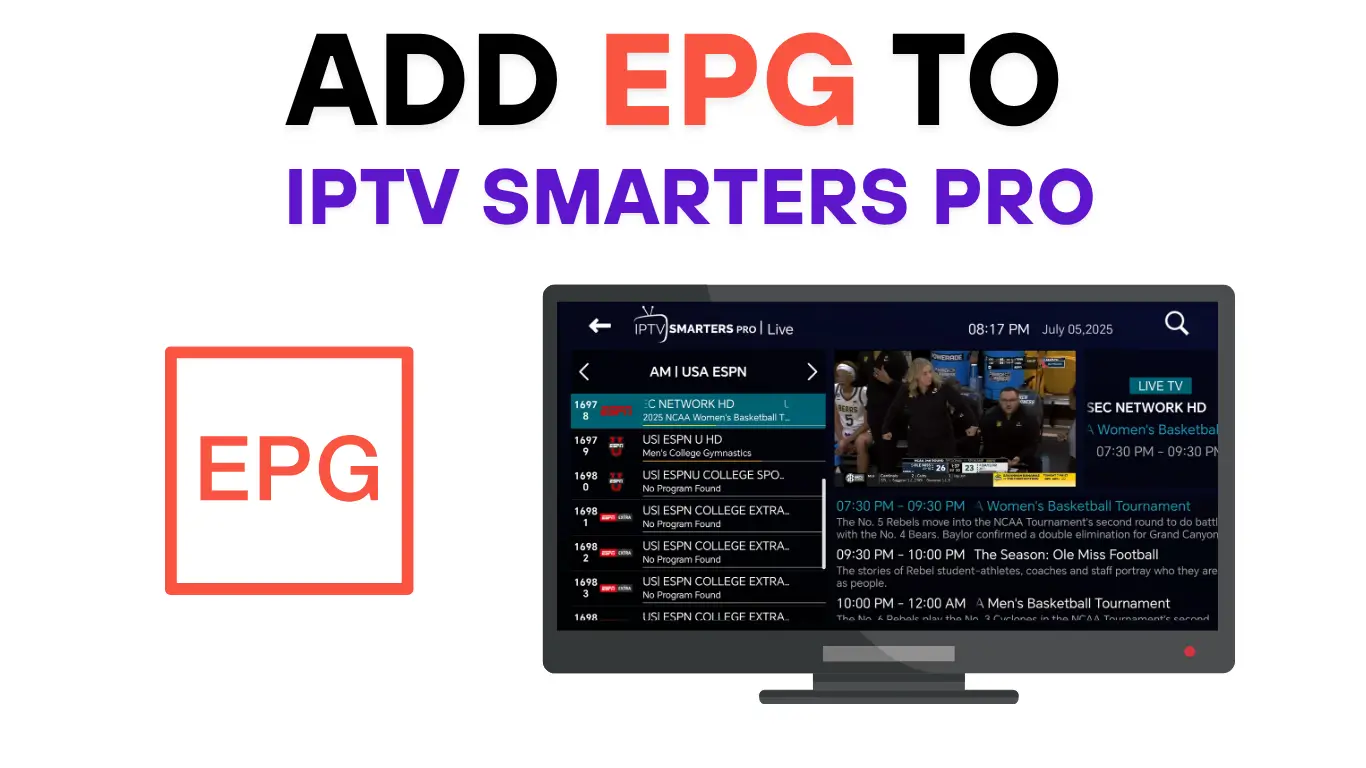
Description: Once logged in, IPTV Smarters will automatically download your channels, movies, and TV guide (EPG). This may take a few minutes depending on your internet speed and playlist size.
What to do: Wait until loading completes. If it stalls, recheck your credentials or internet connection.
Step 5: Start Watching!

Description: Once everything loads, explore Live TV, Movies, Series, and Catch-Up sections. Add your favorites and enjoy seamless streaming.
What to do: Browse → Choose a channel or show → Click play → Enjoy your IPTV experience!
💡 Pro Tips for Windows Users
- Use a stable 20 Mbps+ internet connection (25 Mbps for 4K).
- Close background apps to free up memory.
- Check your provider’s EPG support for full guide functionality.
- Update graphics drivers if playback stutters.
- Always download from the official IPTV Smarters site.
Leave a Reply